Compliance & Legal
Why Google Drive Fails as an Employee Documentation System
Key takeaways
- Google Drive is file storage, not an HR system of record.
- Operators who treat a shared Google Drive folder as their personnel file discover the gap only at separation—when counsel asks for progressive discipline and the folder holds three misnamed docs and a screenshot from a group chat.
- You did not adopt Google Drive because it was wrong.
- You adopted it because it was free, familiar, and better than a filing cabinet wedged behind the office microwave.
- Between short-staffed shifts and a 2% margin week, nobody had bandwidth to evaluate employee documentation software.
- The problem is not laziness—it is that file storage and defensible documentation are different jobs.
Why Google Drive Fails as an Employee Documentation System
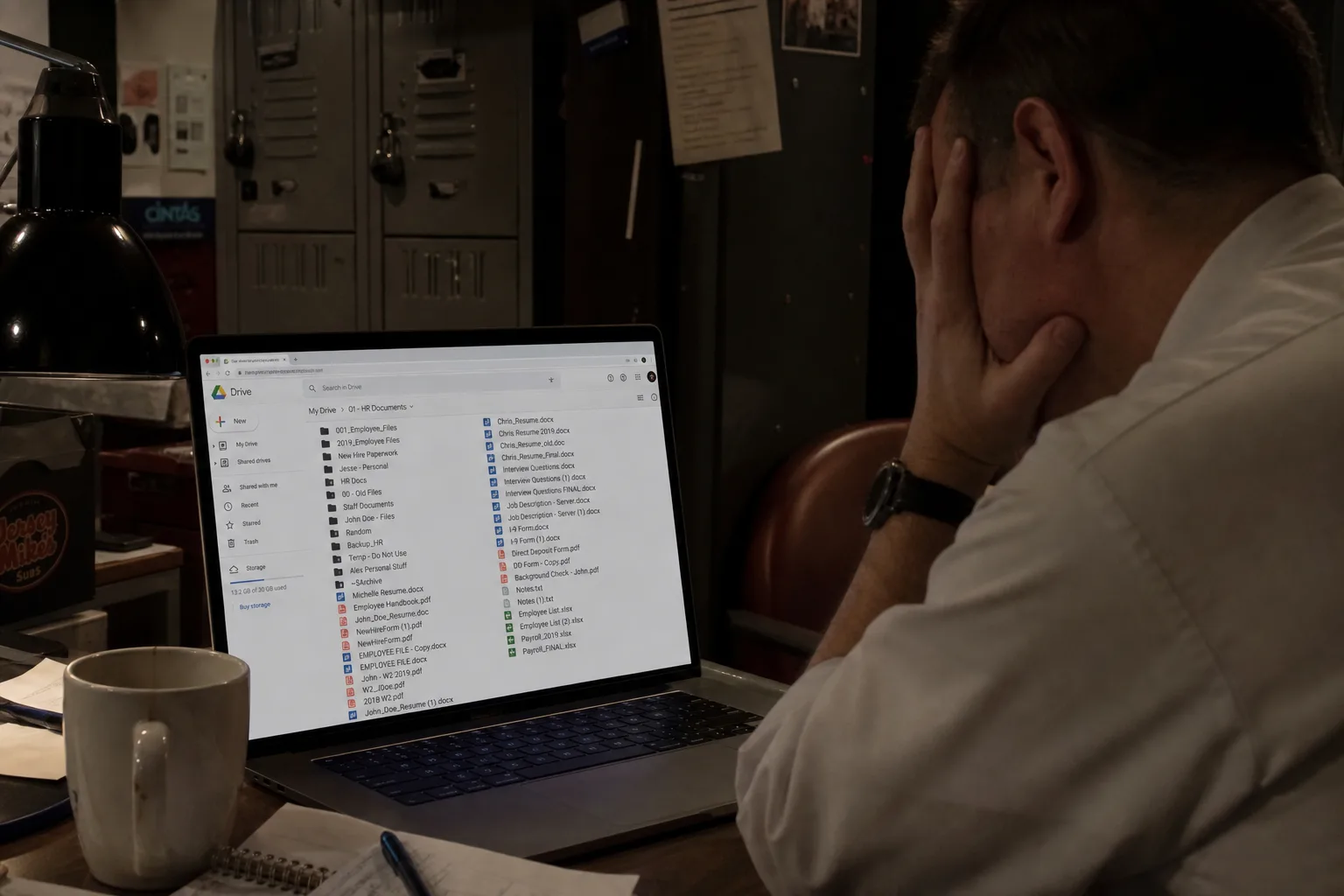
Google Drive is file storage, not an HR system of record. It cannot enforce required fields, prove contemporaneous capture during a dinner rush, or produce a consistent audit trail when a former employee files an EEOC charge or unemployment claim. Operators who treat a shared Google Drive folder as their personnel file discover the gap only at separation—when counsel asks for progressive discipline and the folder holds three misnamed docs and a screenshot from a group chat.
You did not adopt Google Drive because it was wrong. You adopted it because it was free, familiar, and better than a filing cabinet wedged behind the office microwave. Between short-staffed shifts and a 2% margin week, nobody had bandwidth to evaluate employee documentation software. The problem is not laziness—it is that file storage and defensible documentation are different jobs.
Root Cause Analysis
No required structure. Google Drive accepts any filename, any folder, any format. One MOD saves "Jose writeup final v2.docx"; another drops a photo of a signed warning in a random subfolder. HR cannot query "all attendance coaching in Q2."
Edit history is not an audit trail. Version history shows who changed a Google Doc—not when the underlying incident occurred. A manager who backfills a "coaching note" after termination creates a file that looks updated on separation day.
The floor is the wrong workflow. Opening Google Drive on a phone during rush means navigating six taps to the right folder while Expo is calling tickets. Documentation deferred to "after close" becomes documentation never filed.
Permission sprawl. Former GMs retain access; shared links get forwarded; personal Gmail accounts hold store files when someone transfers units. PII (personally identifiable information) exposure and discovery risk increase with every broad share setting.
Multi-unit chaos. Store 3 uses "Discipline"; Store 7 uses "Employee Issues/2025/BOH." Your DOO cannot compare whether chronic lateness was coached consistently before a discrimination claim alleges disparate treatment.
Discovery and retention gaps. Google Drive does not tell you what was destroyed, who exported files, or whether records meet state retention rules for personnel files.

The Actionable Framework
What HR Actually Needs vs. What Google Drive Provides
| HR requirement | Google Drive behavior | Defensible alternative |
|---|---|---|
| Contemporaneous timestamp tied to incident | File "last modified" changes on any edit | Auto-stamped capture at time of event |
| Required fields (who, what, policy, witnesses) | Blank doc—manager invents format | Structured record types with mandatory fields |
| Progressive discipline timeline | Scattered docs, inconsistent naming | Chronological employee timeline |
| Same-shift floor capture | Office-centric workflow | 10-second voice note on the floor |
| Multi-store roll-up | Folder archaeology per location | Searchable records by employee, store, issue type |
| Access control by role | Shared folder or link sprawl | Role-based visibility; HR-only sensitive files |
Five-Step Migration Off Google Drive
- Inventory — List every Google Drive location managers use (personal accounts, "HR Shared," store-specific folders).
- Define record types — Incident, coaching, attendance, investigation, separation summary.
- Set the same-shift rule — Document within 2 hours of the shift; voice capture counts if structured immediately after.
- Pilot one store for 30 days — One MOD team, one standard, weekly HR review of file quality.
- Roll up — Area director compares entries across units; retire Google Drive for live documentation (keep for static hire PDFs if counsel approves).
Compliance note: During EEOC discovery or unemployment hearings, investigators ask for contemporaneous records—documentation created at or near the time of the event, not reconstructed from memory weeks later. Google Drive edit timestamps alone rarely satisfy that standard.
Google Drive Folder Audit Checklist
| Question | Pass | Fail |
|---|---|---|
| Can HR find any employee's full discipline history in under 60 seconds? | ☐ | ☐ |
| Do all stores use identical folder names and record types? | ☐ | ☐ |
| Are incident files dated the same day as the event? | ☐ | ☐ |
| Do departed managers still have edit access? | ☐ | ☐ |
| Is harassment/medical info separated from floor-manager folders? | ☐ | ☐ |
The Paper Trail and Legal Safeguard
Google Drive failures show up in three legal contexts: unemployment insurance (UI) hearings, EEOC charges, and wrongful termination demand letters.
Do
- Keep static hire documents (I-9, handbook ack) in controlled storage if counsel approves.
- Use a purpose-built documentation layer for every coaching, incident, and write-up.
- Restrict sensitive investigations to HR-controlled access.
- Train MODs: "If it is not in the official record same shift, it did not happen for legal purposes."
Do not
- Store discipline records only in a manager's personal Google account.
- Use "anyone with the link" for files containing SSN fragments, medical notes, or harassment details.
- Rename or move files after termination to "clean up"—that looks like spoliation.
- Assume a Google Doc's "last edited" date equals the incident date.
| Weak documentation | Strong documentation |
|---|---|
| "We talked to him about being late" (no date) | Dated attendance entry: 6/4, 6/7, 6/11—each with coaching note same shift |
| Write-up saved only in Google Drive, unsigned | FACT-based corrective action with employee response captured |
| Folder shared with entire management team | Role-based access; need-to-know for harassment files |
Frequently Asked Questions
Can I use Google Drive for employee personnel files?
Google Drive works for static hire paperwork but fails as a system of record for incidents, coaching, and discipline. It lacks required fields, contemporaneous capture on the floor, and consistent audit trails across managers.
What happens to Google Drive files when a manager leaves?
Files often live in personal Gmail accounts or manager-owned folders. Access breaks, version history gets murky, and HR cannot reconstruct who documented what during an EEOC or unemployment review.
Does Google Drive timestamp when documentation was created?
Google Drive shows file edit times, but those change when anyone renames, moves, or edits a doc. Courts and state UI boards want contemporaneous incident records—not a Word file updated three weeks after termination.
Why is folder structure a problem for multi-unit restaurants?
Each GM names folders differently ('Write Ups,' 'Issues,' '2024 stuff'). Area directors cannot roll up attendance patterns or compare progressive discipline across stores without manual reconstruction.
Is Google Drive secure enough for HR documentation?
Broad sharing links and 'anyone with the link' settings create PII exposure. Purpose-built HR documentation tools restrict access by role and keep harassment or medical notes in HR-controlled files.
What should replace Google Drive for floor-ready capture?
A documentation layer with voice capture, structured incident fields, automatic timestamps, and employee-linked timelines—complementing payroll/HRIS, not replacing them.
How does poor Google Drive organization affect unemployment claims?
When the hearing officer asks for dated coaching on attendance or misconduct, searching nested folders under pressure often yields nothing—even when managers 'remember' having the conversation.
How do I migrate off Google Drive for employee records?
Audit current folders, define five record types (incident, coaching, attendance, investigation, separation), pilot same-shift voice capture at one store, then roll up standards region-wide. Docu-Coach™ offers a 30-day trial at docu-coach.com/demo.
Common Mistakes
- Treating Google Drive as "good enough" because hire paperwork lives there
- Letting each GM invent folder naming conventions
- Documenting in group texts, then copying summaries to Google Drive weeks later
- Using Google Drive on personal Gmail when someone leaves the company
- Skipping witness names because "everyone on shift saw it"
- Saving photos of signed write-ups without linking to the employee timeline
- Assuming IT backup equals HR compliance
Natural Solution Contextualization
The fix is not banning Google Workspace—it is stopping live HR documentation in a tool built for slide decks and catering menus. Your payroll system, HRIS, and Google Drive can keep doing their jobs. The missing layer is floor-ready capture that lands in a structured, searchable employee record the same shift.
Docu-Coach™ converts a ten-second voice note into a timestamped incident or coaching entry with the fields unemployment boards and counsel expect—no folder hunt, no blank-doc formatting, no "after close" step to forget. Area directors get roll-up visibility without opening twelve different shared Google Drive folders.
Start with the audit checklist on your next manager call. One store, thirty days, same-shift standard. Google Drive can stay for static files; your discipline timeline deserves a system built for operators who document between table touches—not from a desk at midnight.
Explore this topic
Related Resources
Employee Documentation Software for Restaurants & Hospitality | Docu-Coach™
Employee Documentation Software built for operators. Document incidents, coaching, write-ups, and personnel files with audit trails. Book a demo.
3 min read
Docu-Coach™ vs Google Drive: Employee Documentation Comparison
Compare Docu-Coach™ vs Google Drive for employee documentation, audit trails, legal risk, and multi-unit roll-up. See which fits operators.
2 min read

Why Spreadsheets Are Dangerous for Employee Records
Employee tracking spreadsheets look organized until unemployment hits. Learn why editable cells, missing timestamps, and PII rows fail HR audits.
5 min read · September 2026

The True Cost of Missing Employee Documentation
Empty employee files cost UI tax hikes, legal fees, manager hours, and turnover—not just 'HR hassle.' See the real dollars operators leave on the table.
5 min read · September 2026
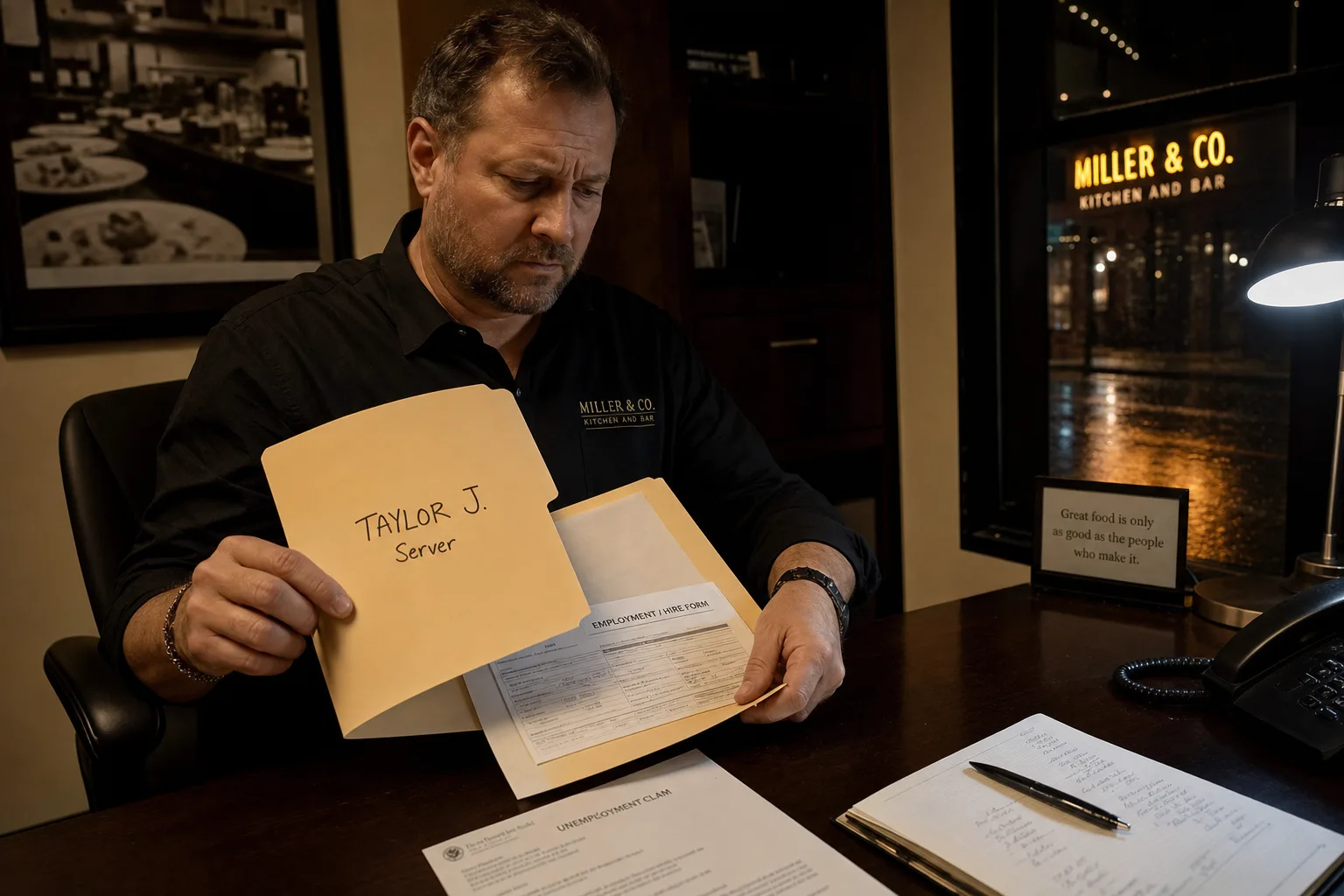
How Much Does an Unemployment Claim Cost an Employer?
Does an unemployment claim cost the employer? Yes. See the unemployment claim cost to employer—UI charges, SUTA rate hikes, and a free by-state calculator.
10 min read · September 2026
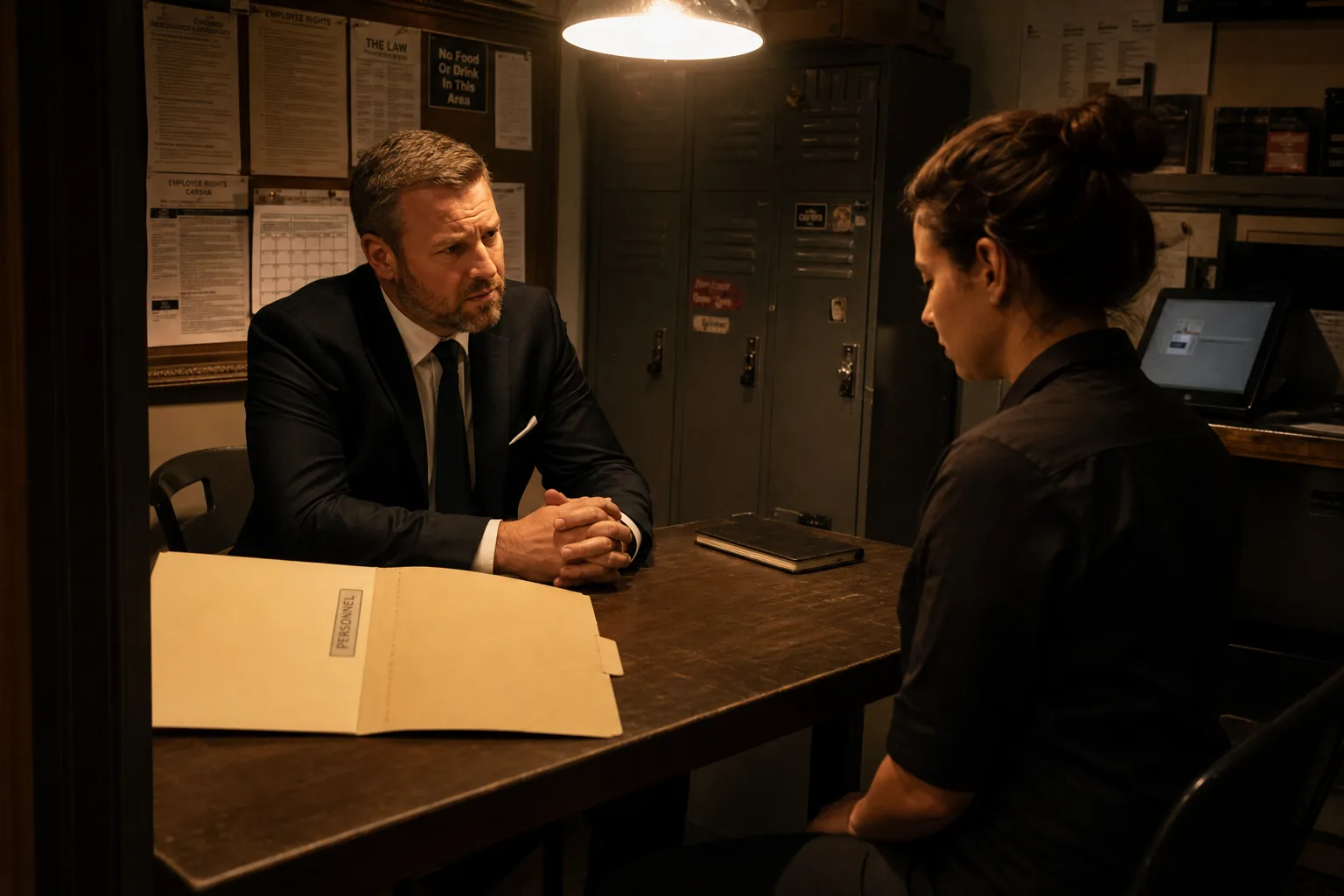
The Documentation Gap That Creates Wrongful Termination Risk
Informal warnings with no file create wrongful termination and constructive discharge exposure. Close the gap with progressive discipline that holds up.
5 min read · September 2026